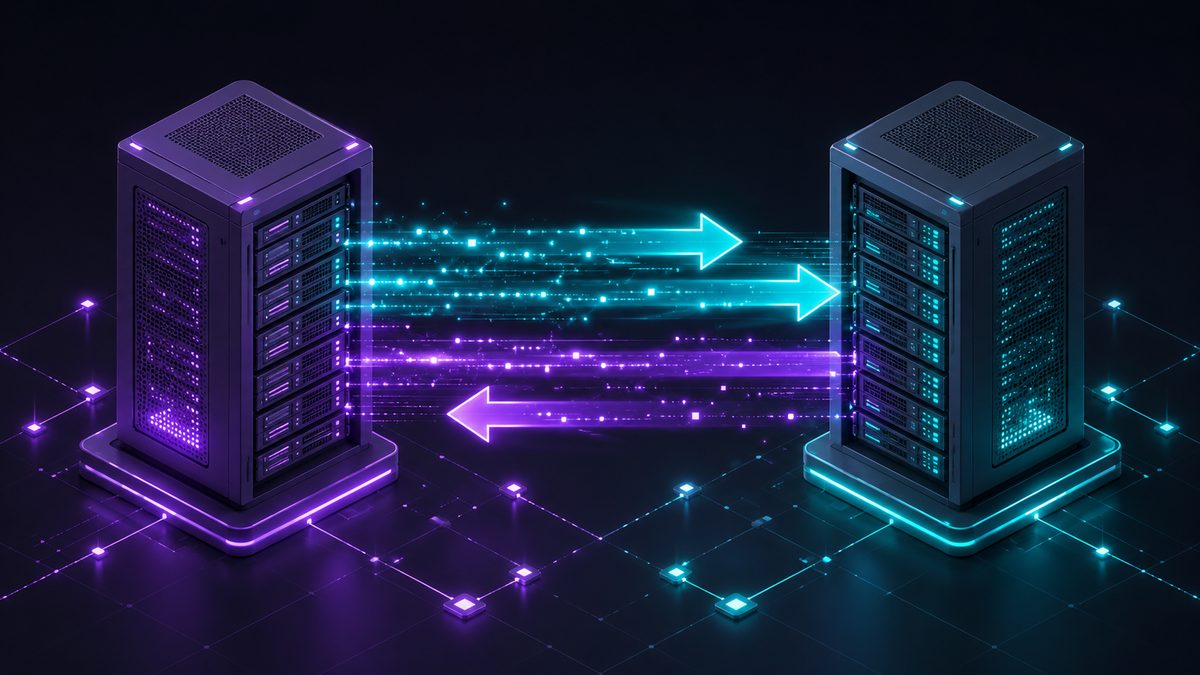
In short: You can move from CCBoot to ggRock without shutting your venue. Stand up the new diskless server alongside the old one, build and validate a master image, pilot a single row of PCs during live hours, then cut the floor over in stages. The whole trick is running both systems in parallel until the new one is proven.
Why migrations cause downtime (and how to avoid it)
Downtime almost always comes from a big-bang cutover — switching everything at once and discovering problems with a full room of customers waiting. The fix is to treat migration as a staged rollout, not a flip of a switch. Keep CCBoot serving the floor until ggRock is validated on real hardware.
For a feature-by-feature view of the two platforms, see ggRock vs CCBoot.
The parallel approach, step by step
1. Audit your hardware and current images
Inventory PC models, NIC types, and the games and configuration on your current CCBoot image. This tells you what the new master image needs to contain and where hardware differences might matter.
2. Stand up the ggRock server in parallel
Install the ggRock boot server alongside CCBoot on your network. Nothing changes for customers yet — the existing system keeps running the floor.
3. Build the master image and validate
Create your golden image on ggRock and confirm it boots cleanly. Seamless Boot detects NIC drivers across different hardware configurations, so a mixed fleet doesn’t require a separate image per model. Validate games launch and peripherals work before any PC goes live.
4. Pilot a single row
Point one row of PCs at ggRock during normal hours. Real customers on real hardware surface anything a lab test won’t. Because the rest of the floor is still on CCBoot, a problem on the pilot row never takes the venue down.
5. Cut over in stages and schedule updates
Once the pilot is stable, move the floor over in batches rather than all at once. Set up scheduled reboots and update windows so the new image stays current automatically. When every PC is on ggRock and proven, retire CCBoot.
Prefer to have it done for you?
If you’d rather not run the migration in-house, ggCircuit’s managed-services team can plan and execute the move — image build, validation, and cutover — so the switch happens with minimal disruption. Details on the migrate from CCBoot page.
FAQ
Can I migrate from CCBoot without closing my venue? Yes. Run ggRock in parallel with CCBoot, validate a master image, pilot one row during live hours, then cut over in stages. The existing system keeps the floor running until the new one is proven.
What’s the riskiest part of a CCBoot migration? A big-bang cutover — switching every PC at once. Piloting a single row first removes that risk because the rest of the floor stays on CCBoot.
Will mixed PC hardware be a problem? Seamless Boot detects NIC drivers for different hardware configurations, so you generally don’t need a separate image per model. Audit your hardware up front so the master image covers your fleet.
Next steps